
Insurance Broking Software in India: The Complete Guide to CRM, ERP, POSP Management, Renewals and AI Automation
Why Insurance Businesses Need Connected Software
support
Article
Introduction: Why Insurance Businesses Need Connected Software
Insurance distribution is built on trust, timely service and accurate information. Yet many brokers, Insurance Marketing Firms (IMFs), corporate agents, agencies and POSP-led businesses still manage leads, policy documents, renewals, quotations, commissions and customer queries across spreadsheets, messaging apps and disconnected systems. As the customer base grows, these fragmented processes can make follow-ups inconsistent, reporting slow and service difficult to scale.
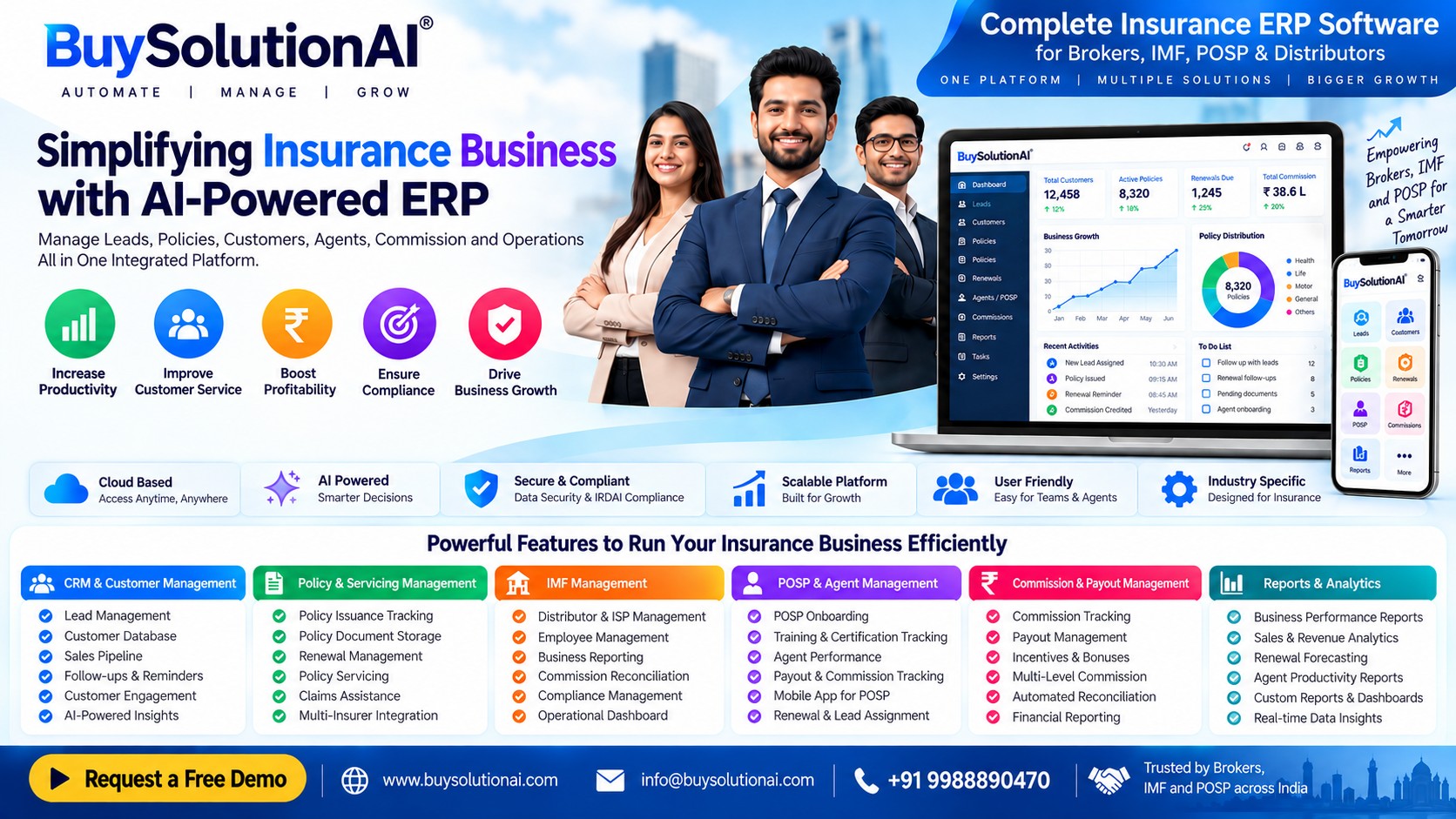
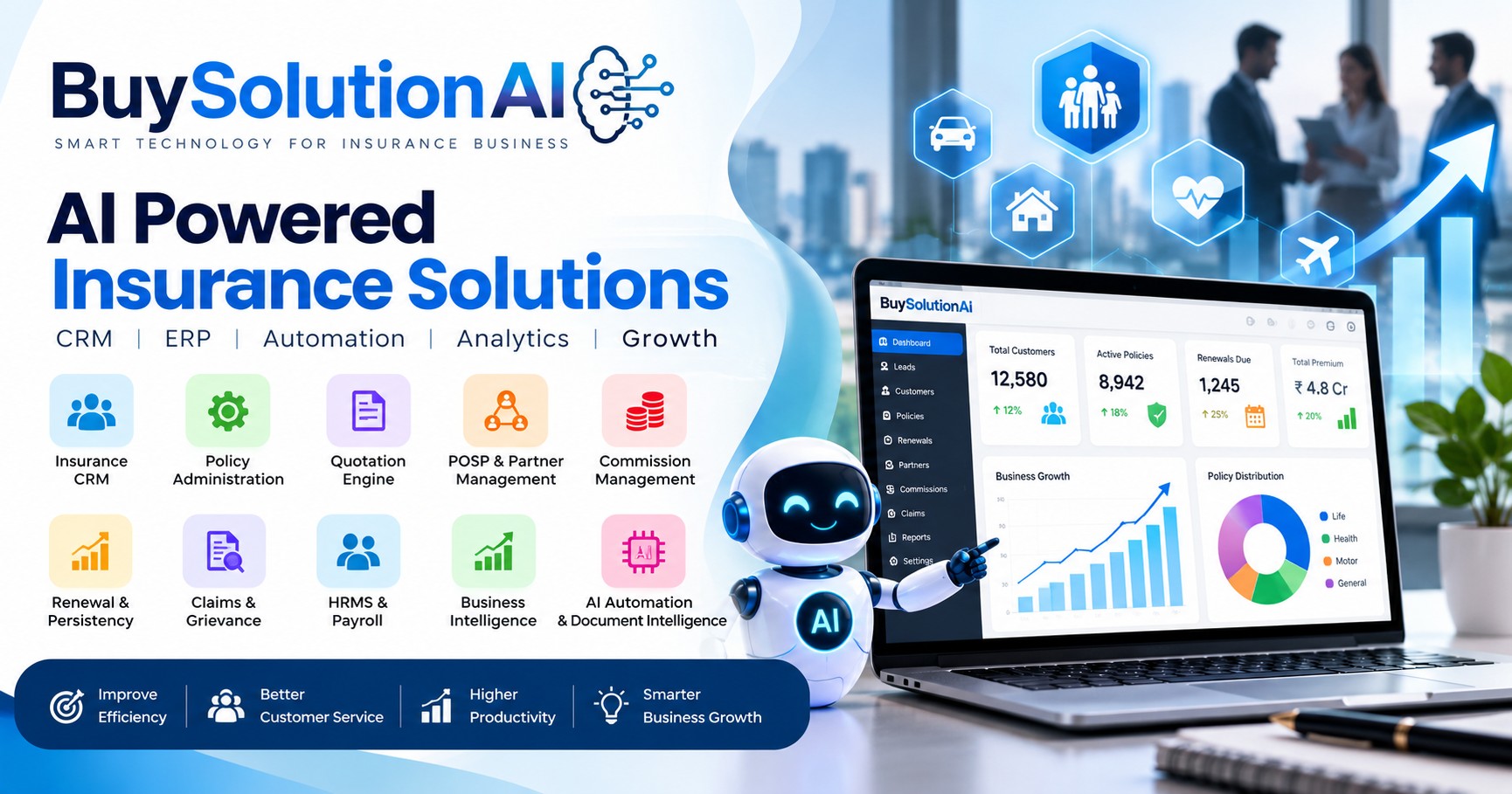
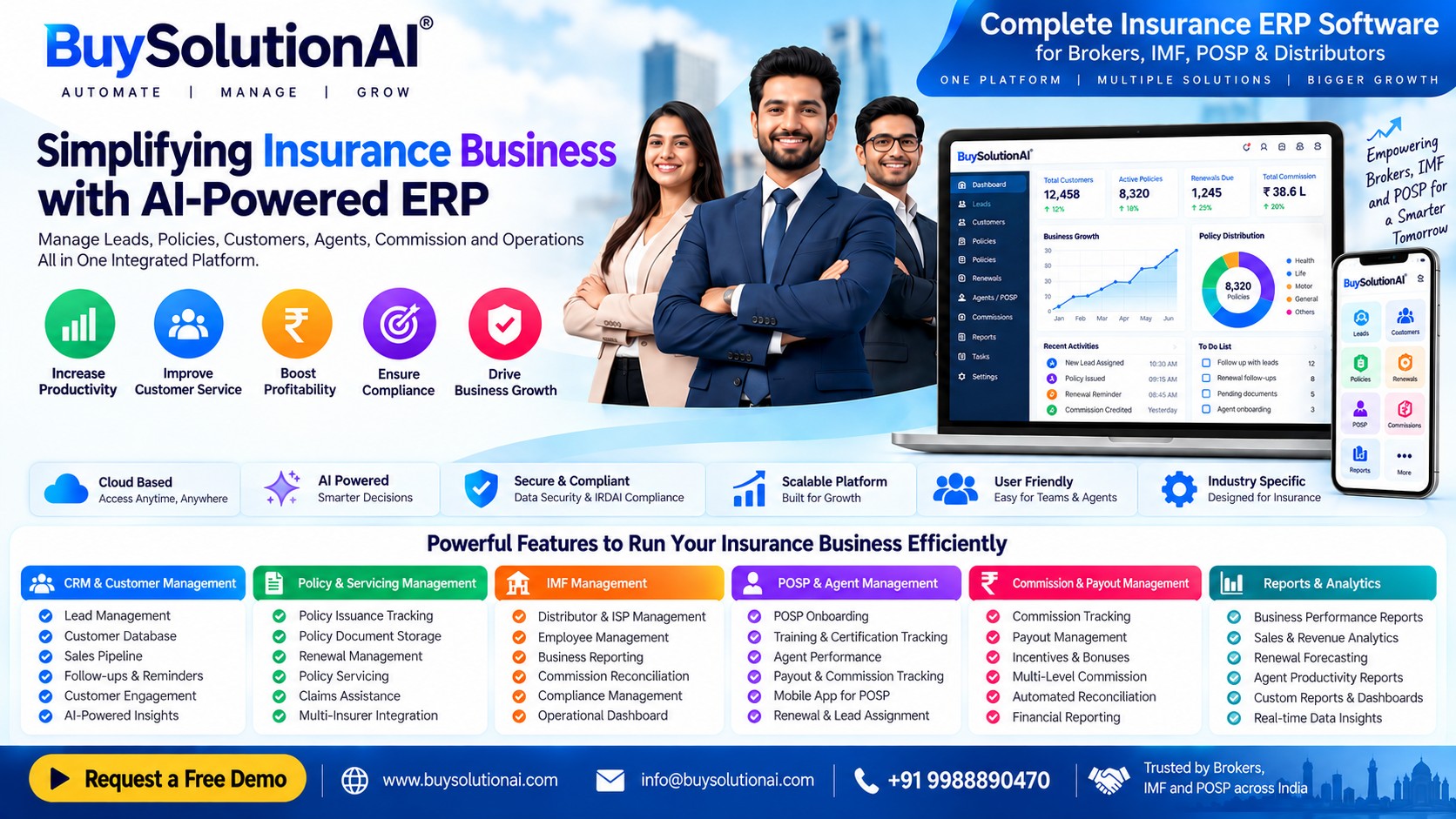
Insurance broking software brings key workflows into a more organised digital environment. Depending on the platform and the organisation’s permissions, it can help teams manage leads, customer records, policy details, renewal schedules, quotations, employee tasks, commission records and service requests from a shared operational view. Buy Solution AI focuses on software and technology for insurance distribution teams, with the aim of helping them work in a more structured, measurable and customer-focused way.
The right insurance software is not simply a database. It should support the full working journey—from the first enquiry to proposal coordination, policy documentation, ongoing servicing, renewal follow-up and performance review—while keeping human oversight in the decisions that require it.
1. Insurance CRM Software: Organise Leads, Customers and Follow-Ups
Insurance CRM software helps teams keep customer and prospect information in one place. An insurance customer relationship management system can record enquiries, lead sources, customer preferences, interaction history, assigned relationship managers and next actions. Instead of relying on memory or separate spreadsheets, a team can use insurance lead management software to track where each opportunity stands and what should happen next.
An insurance sales CRM can support lead allocation, follow-up reminders, activity tracking and pipeline visibility. An insurance agent CRM or insurance broker CRM may also help staff review customer conversations and identify pending tasks. A well-designed insurance customer database should use appropriate access controls, data-quality checks and clear ownership so that records remain useful rather than becoming another unmaintained list.
For an insurance distribution business, useful CRM questions include: Can leads be assigned by branch or team? Can staff record calls and follow-ups? Can managers see overdue actions? Can duplicate records be identified? Can customer information be exported or integrated with approved systems? These questions are more valuable than choosing software solely because it advertises a long feature list.
2. Insurance ERP Software: Connect Day-to-Day Operations
Insurance ERP software aims to connect business operations that are often handled separately. Insurance operations management software may bring together customer servicing, internal task allocation, documentation, reporting and operational controls. Insurance back office software can help teams standardise repetitive work, while an insurance business management system can give managers a clearer view of pending activities and workload.
Insurance workflow management should reflect how the organisation actually works. For example, a new enquiry may need assignment, document collection, quotation coordination, customer confirmation and a post-sale service task. A workflow can show the current stage, responsible person, due date and next action. This improves accountability, but automation rules should be tested and exceptions should have a clear route to a human reviewer.
An ERP should not be purchased on the assumption that every insurance process can be automated immediately. Start with high-volume, repeatable workflows, map the current process, identify approval points and measure the time or error rate before and after implementation.
3. POSP Management Software: Support a Distributed Sales Network
POSP management software is relevant to businesses that coordinate Point of Sales Persons and other permitted distribution channels. A POSP agent management system may help authorised administrators track onboarding status, training milestones, assigned leads, activity and performance information. POSP onboarding software can organise required steps and document status, subject to the organisation’s applicable insurer, intermediary and regulatory processes.
An insurance POSP portal can provide a consistent place for users to access relevant tasks or business information. A POSP performance dashboard may help managers understand lead activity, pending follow-ups, productivity trends and support needs. These tools should make work easier to supervise—not replace required verification, training, authorisation or compliance checks.
When evaluating POSP software, ask whether role-based access is available, how onboarding status is recorded, whether records can be audited, how updates are communicated and what happens when a user’s status changes. Confirm that all workflows align with the permissions and requirements applicable to your business model.
4. Policy Administration and Document Management
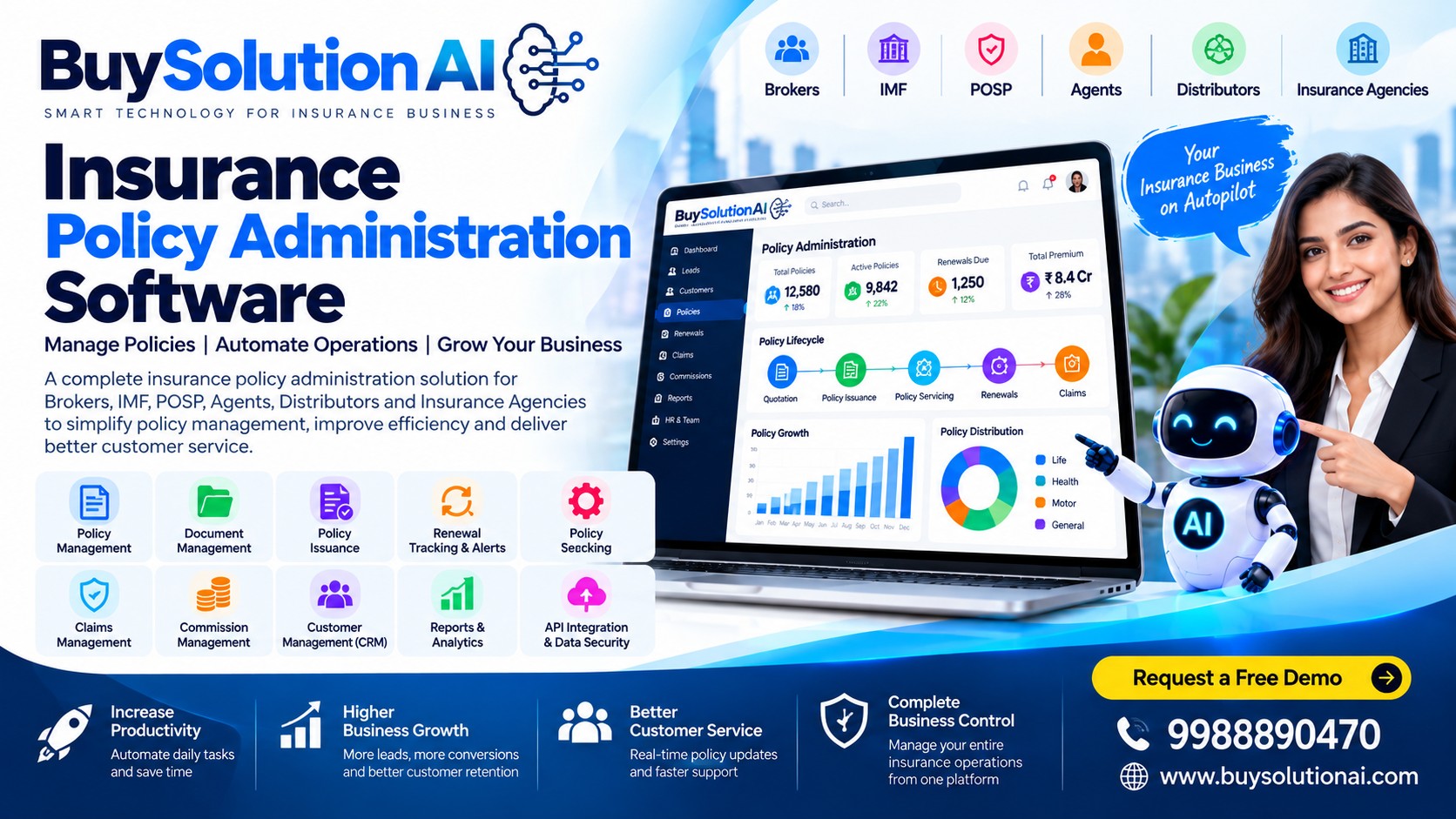
Insurance policy administration software helps organise policy-related information across the customer lifecycle. Policy management software may store or reference policy numbers, insurer details, product type, start and end dates, premium information where appropriate, key documents and servicing notes. Policy document management software can reduce the risk of files being scattered across personal inboxes and devices, while insurance policy tracking can help staff locate records and identify missing information.
Effective policy lifecycle management covers more than uploading a PDF. Teams need consistent naming, duplicate handling, version awareness, secure access, clear ownership and a process for correcting inaccurate records. The platform should make it easy to find information without giving every employee unrestricted access to every customer file.
Before moving records into a new system, decide which fields are essential, who can edit them, how changes will be logged, and how retention and deletion requests will be handled. Document migration should be planned and validated rather than treated as a one-click task.
5. Renewal Management: Turn Reminders into a Repeatable Process
Insurance renewal management software helps teams identify upcoming policy expiries and organise timely customer engagement. A policy renewal reminder system can schedule alerts based on agreed intervals, while insurance renewal tracking can show which policies are due, contacted, awaiting customer instructions or completed. Automated renewal alerts may reduce the risk of a follow-up being missed, provided the source data is accurate and communications are appropriate.
Insurance retention software should support meaningful service, not just repeated messages. A practical renewal workflow can include checking the expiry date, confirming current customer details, assigning an owner, sending a permitted reminder, recording the customer’s response and escalating unresolved questions. Teams should respect consent, communication preferences and applicable requirements, and avoid implying that a policy has been renewed until the relevant process is confirmed.
Measure renewal performance using clear definitions: policies eligible for follow-up, policies contacted within the target period, customer responses, completed renewals and reasons for non-renewal. These measures help managers find process gaps without confusing reminder delivery with actual renewal outcomes.
6. Quotation and Proposal Management
Insurance quotation software helps teams coordinate quote requests, required information, insurer responses and customer communication. An insurance quote management system can track each request from submission to response, while insurance proposal management can help organise documents, comparisons and approval steps. An insurance quote comparison tool may present relevant options side by side when reliable, current data is available and the comparison is appropriate for the product.
An insurance quotation workflow should make the status visible: information required, request prepared, response pending, options reviewed, customer decision pending or closed. Staff should verify that premiums, coverage, exclusions, deductibles, add-ons and conditions are represented accurately. The cheapest option is not automatically the most suitable option, and automated summaries should not replace a qualified person’s explanation where advice or judgement is required.
When comparing systems, confirm which insurer or data integrations are genuinely available, how quote data is refreshed, and whether users can see the date and source of each result.
7. Commission Management and Reconciliation
Insurance commission management software can help organisations record expected remuneration, received amounts, adjustments and payout status. Insurance commission tracking gives teams a view of commission-related transactions, while an insurance payout management system may support internal approval and payment tracking. Insurance commission reconciliation can help compare internal records with statements or reports from relevant counterparties. An agent commission calculator may be useful when the calculation rules are clear and have been verified.
Commission workflows vary by business arrangement, product, insurer and applicable rules. Software should therefore support transparent configuration and review rather than assume one universal rate or calculation. Keep an audit trail of source records, adjustments, approvals and corrections. Restrict access to sensitive financial information and make exceptions visible for manual checking.
Useful measures may include reconciliation completion time, unmatched entries, pending queries, correction frequency and payout status. These indicators can help finance and operations teams find bottlenecks without treating an automatically calculated figure as final before verification.
8. Claims Management and Service Request Tracking
Claims management software can help a distribution team record customer-reported claims, maintain a checklist of requested documents, track communications and show the latest known status. A claims tracking system can reduce uncertainty about who is responsible for the next follow-up. Claims document management can organise received files, while claims status communication software can help teams provide timely updates when accurate information is available. Insurance claims workflow automation may route tasks or reminders to the right employee.
A software platform used by an intermediary should not imply that it decides or approves a claim unless it genuinely has that authorised capability. Claims decisions remain with the responsible insurer or other authorised party. The intermediary’s role may include helping customers understand process steps, submit information and follow up appropriately.
Define clear status labels such as “documents requested,” “submitted to insurer,” “awaiting update” and “customer informed.” Avoid labels that promise a decision or settlement date unless confirmed by the responsible party.
9. Customer Service and Engagement
Insurance customer service software helps teams capture questions, service requests and follow-up commitments. An insurance customer engagement platform can coordinate communications across permitted channels, while insurance customer communication automation may schedule acknowledgements, reminders or updates. Insurance service request tracking gives staff a record of the request, its owner, due date and resolution. A customer portal may allow customers to access selected policy information or submit a service request, depending on the product’s actual capabilities.
Good customer engagement is timely, understandable and respectful. Use clear language, record the customer’s preferred contact method where appropriate, and provide a way to escalate complex or sensitive cases. Automated messages should be accurate, identifiable and easy to route to a person when the customer needs help.
Measure service performance through response time, resolution time, unresolved requests, repeat contacts and customer feedback. Do not optimise for message volume alone; the purpose is to resolve the customer’s need.
10. AI and Workflow Automation for Insurance
AI automation for insurance can assist with repetitive tasks such as classifying incoming requests, extracting fields from documents, drafting routine responses or highlighting records that need review. Insurance workflow automation software can route tasks according to rules, while AI insurance customer support may help answer common questions using approved information. Insurance document automation and insurance process automation can reduce repetitive data entry when inputs are reliable and staff can correct errors.
AI should be introduced with boundaries. A generated response may be incomplete or incorrect, a document extraction may misread a date, and a workflow rule may not cover an unusual case. Human review is especially important for sensitive customer decisions, policy interpretation, complaints, claims-related questions and any activity requiring professional judgement or regulatory approval.
Start with a contained use case, define the expected outcome, test on representative examples, measure error rates and create an escalation path. Do not upload customer or policy information into tools unless their privacy, security and contractual terms are suitable for that data.
11. Analytics, Reporting and Business Intelligence
Insurance analytics software helps turn operational records into useful management information. An insurance reporting dashboard may show leads by source, follow-up completion, policy records, upcoming renewals, service workload and commission reconciliation status. Insurance business intelligence can help managers compare performance across branches, teams or time periods, provided the underlying definitions are consistent. Insurance sales analytics and insurance renewal analytics can reveal where opportunities are being delayed or lost.
A dashboard is only as reliable as its source data. Define each metric, specify the time period, clarify exclusions and avoid comparing figures calculated in different ways. For example, a “renewal rate” needs a defined eligible-policy population and a clear rule for what counts as renewed. Display data freshness and provide a way to investigate unusual results.
Choose a small set of decision-oriented metrics before adding more charts. Each metric should help a manager decide what action to take, who should take it and how the result will be checked.
12. HRMS and Employee Automation
Insurance HRMS software can support employee records and selected human-resources workflows. An insurance employee management system may organise roles, teams, onboarding tasks and employee information. Insurance workforce management can help allocate work across service, sales and operations teams, while insurance employee task management can show assigned activities, deadlines and completion status. Payroll-related workflows, where offered, should be configured and reviewed according to the organisation’s actual policies and legal obligations.
Employee automation is most useful when it removes administrative friction without making accountability unclear. Define who can assign tasks, approve changes, view employee records and close work items. Keep employee information limited to legitimate purposes and authorised users.
Before adopting an HRMS, list the current processes, required reports, approval levels and integrations. Verify the exact capabilities offered; do not assume that a product includes payroll, attendance, recruitment or statutory compliance features unless those functions have been demonstrated.
13. Integrations and APIs
Insurance software API integration can connect systems when both sides provide supported interfaces and the organisation has the necessary permissions. An insurance CRM API, insurance ERP integration or insurance data integration may reduce duplicate entry and keep selected records aligned across systems. However, an integration is not guaranteed merely because a vendor mentions an API.
Ask which endpoints are available, what authentication is used, how errors are handled, how often data syncs, what rate limits apply and who monitors failures. Test duplicate records, missing fields, expired credentials and interrupted connections. Establish a clear source of truth for each data field so that one system does not silently overwrite a more reliable record.
Integration planning should include access controls, logging, consent and contractual requirements, backup arrangements and a process for changing or disconnecting an integration safely.
14. Security, Privacy and Auditability
Insurance software data security is central because systems may hold contact details, policy documents, financial records and service histories. Insurance customer data protection should be supported by practical controls such as role-based access, strong authentication, secure transmission, backups, controlled exports and prompt access removal when a user no longer needs access. Insurance document access control limits files to authorised roles, while an insurance software audit trail helps teams review important changes.
Security claims should be verified rather than assumed. Ask the vendor about hosting, encryption, backups, incident response, data location where relevant, subcontractors, retention and deletion, vulnerability management and available audit evidence. Confirm which controls are included in the product and which depend on the customer’s own configuration.
Create a written process for granting access, reviewing permissions, handling suspected incidents and responding to data requests. A software purchase alone does not make an organisation compliant; policies, training, oversight and lawful data handling remain necessary.
15. Implementation, Migration and Support
Insurance software implementation works best when it begins with a clear business problem. Insurance CRM implementation services or insurance ERP implementation may include discovery, workflow mapping, configuration, data preparation, user testing, training and post-launch support. Insurance software migration requires field mapping, duplicate handling, record validation and reconciliation. Insurance software onboarding should help each user understand their role and the process changes being introduced.
Avoid migrating every old field without review. Identify essential records, define data owners, clean duplicates and test a sample before the full transfer. Run user acceptance testing with real-world scenarios, including exceptions and corrections. Decide how issues will be reported and prioritised after launch.
Agree on success measures before implementation: adoption, time to complete selected tasks, data completeness, overdue follow-ups, error rates or service response times. Review these measures after launch and improve the workflow based on evidence rather than assumptions.
16. Pricing and Procurement: Compare Total Value
Insurance CRM software pricing and insurance ERP software cost can vary depending on user count, modules, setup, storage, support, integrations and customisation. Insurance software pricing in India should be compared using the same assumptions across vendors. POSP software pricing and policy management software cost should be evaluated against the workflows actually needed, not just the lowest headline subscription.
Ask for a written breakdown of recurring and one-time charges, taxes, onboarding, migration, training, support levels, extra users, API usage and exit or data-export terms. Confirm whether the quoted price includes the features demonstrated. Request a trial or guided walkthrough using representative tasks, and involve the people who will use the system daily.
A practical procurement decision weighs total cost, usability, security, scalability, support and measurable business value. Avoid paying for features the team will not use, but do not overlook essential controls simply to reduce the initial price.
17. Software for Different Insurance Business Types
Insurance software for brokers may need strong lead tracking, client servicing, renewal workflows, quotation coordination and reporting. Insurance software for IMFs should be evaluated against the specific activities and product categories the IMF is permitted to undertake. Insurance software for corporate agents, insurance software for agencies and insurance technology for distributors may have different approval processes, reporting needs, user roles and partner arrangements.
There is no single workflow that fits every intermediary. A smaller team may prioritise simple setup and reliable reminders, while a multi-branch organisation may need detailed access controls, consolidated reporting and integrations. A POSP-led operation may focus on onboarding status, lead allocation and field-team support. The software configuration should reflect the organisation’s actual permissions and operating model.
Before selecting a system, document your business type, user groups, key workflows, data sources, reporting needs and compliance obligations. Ask vendors to demonstrate your scenarios rather than relying only on generic product presentations.
18. Content and Educational Resources: Build Understanding, Not Just Rankings
Educational content can help buyers understand what insurance CRM software does, the benefits of insurance ERP software, how POSP management software works, insurance policy administration and how insurance renewal automation works. For Buy Solution AI, useful articles should answer real buyer questions, explain terminology, compare approaches fairly and connect readers to relevant product or service pages when appropriate.
A helpful content strategy uses one main topic per page and a coherent group of related phrases. The article about insurance broking software can act as a pillar guide, while separate pages explain CRM, ERP, POSP management, policy administration, renewal management, commissions, quotation workflows, claims tracking, analytics, security, integrations and implementation. Each page should have a distinct purpose and provide information that is genuinely useful.
Do not publish thousands of near-identical pages simply to target every keyword variation. Thin or repetitive pages can frustrate users and weaken the overall site. Prioritise accurate explanations, original examples, transparent product details and internal links that help readers continue their research.
How to Choose Insurance Broking Software: A Practical Checklist
Before choosing a platform, write down your highest-friction workflows and rank them by frequency, business impact and risk. Then evaluate vendors against the following checklist:
Workflow fit: Can the system represent your lead, policy, renewal, service and approval processes?
Data quality: Can records be searched, corrected, deduplicated and exported?
Role-based access: Can users see only the information needed for their work?
Automation controls: Can reminders and tasks be configured, paused and reviewed?
Reporting: Are metric definitions clear, and can results be traced back to source records?
Integration: Are required APIs or partner connections actually available?
Adoption: Can the team learn the system without creating unnecessary administration?
Support: Are onboarding, issue handling and escalation arrangements documented?
Commercial terms: Are total costs, renewal terms and data-export conditions clear?
Compliance fit: Can the proposed workflow operate within the permissions and obligations that apply to your organisation?
Use a demonstration script with realistic examples. Ask the vendor to show how an exception is handled, not only the ideal path. A dependable system should make normal work easier while allowing people to identify and correct problems.
How Buy Solution AI Fits into the Evaluation
Buy Solution AI can be positioned as a technology option for insurance distribution businesses seeking a more connected way to manage customer relationships and operational workflows. Buyers should review the specific modules, features, integrations, support arrangements and security controls currently available, then compare them with their own requirements. Any feature, certification, insurer connection, performance outcome or regulatory capability should be stated only when it has been verified.
The best starting point is usually a focused operational problem: missed renewal follow-ups, scattered customer records, unclear lead ownership, manual reporting or time-consuming task coordination. Define the current baseline, configure a small workflow, train the relevant users and measure whether the change improves the process. Expand only when the initial use case is reliable and the team is ready.
This practical approach keeps software selection grounded in real business needs instead of relying on broad promises about automation or artificial intelligence.